What happens
1
The merchant opens your Connect button
It lands on Ringup’s hosted connect page, where Square is listed.
2
They pick Square and approve
Square’s own authorization screen opens; they approve and return to a confirmation page.
3
They're live immediately
The merchant can take payments the moment they connect, with nothing else for you to do. Ringup fires
merchant.connected (carrying merchant_id) so you can reflect it in your own UI.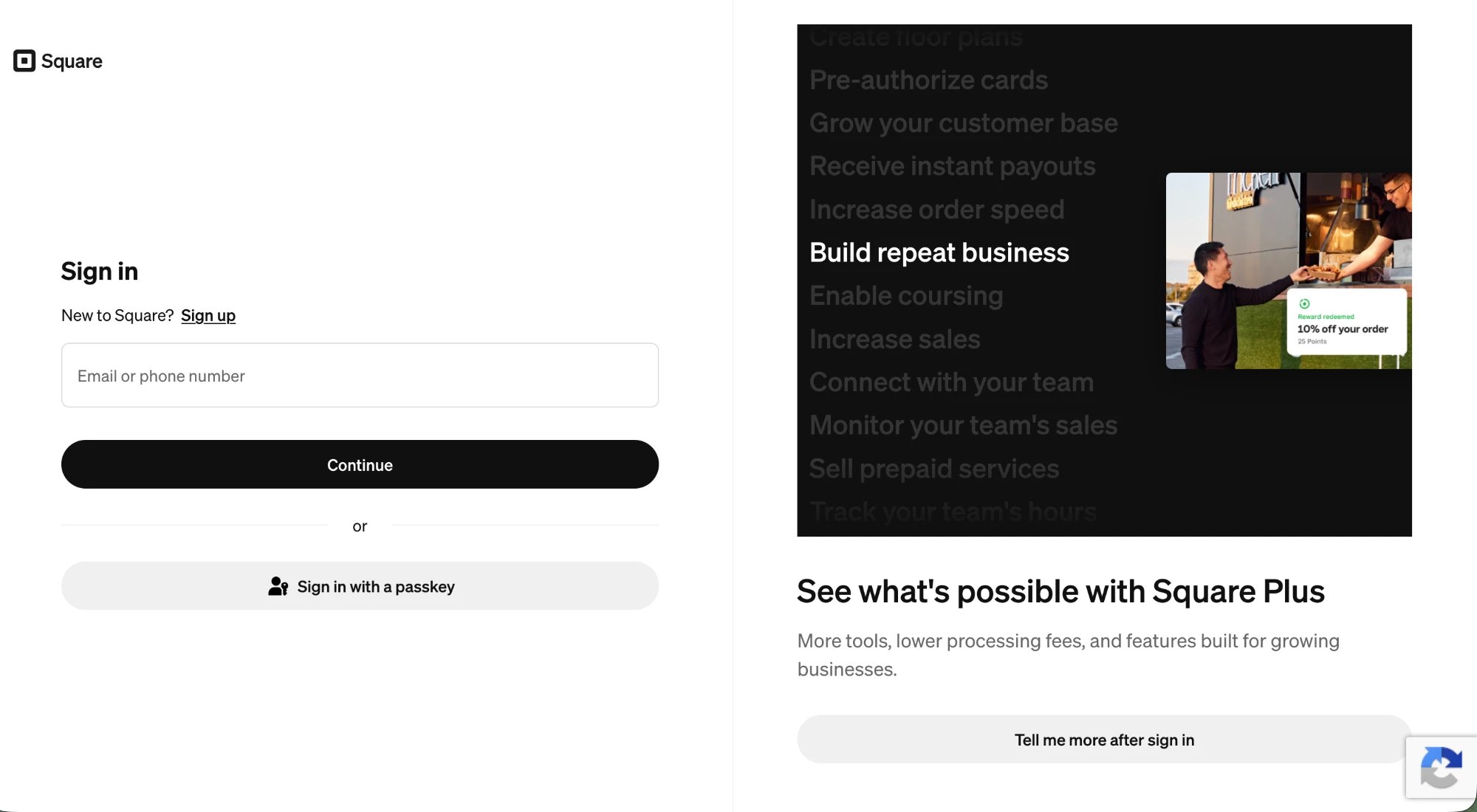
Square's own authorization screen: the merchant approves and returns connected.
What the merchant grants
Square requests only what Ringup needs to recognize callers and settle on the merchant’s account:Read the business profile (name, locations).
Take payments on the merchant’s account.
Charge a caller’s saved card across the merchants on your app (the recognition primitive).
Verify a charge on the recovery path (double-charge guard).
Read the order total for the order-id flow.
Attach payment to the order.
Recognize the caller and keep their card on file.
Square redirects back to Ringup, which exchanges the code for the merchant’s token on the server. The client secret never touches your dashboard or the button, and no card data ever passes through your systems.
Next steps
Clover
The token-paste path for Clover merchants.
Webhooks
Handle
merchant.connected and payment events.